|
Display |
  
|
|
Display |
|
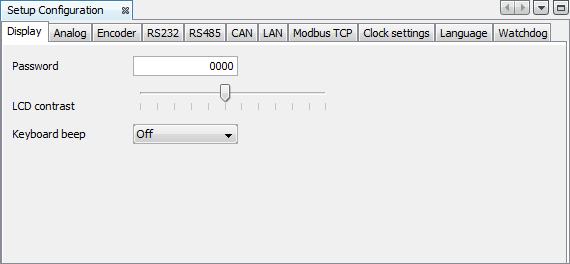
| • | Password: It allows to change the password of the setup function of the PLC300. The standard password is ‘0000’. The new password must be a number with four digits. |
| • | LCD Contrast: It adjusts the LCD contrast of the PLC300. |
| • | Keyboard Beep: It enables the beep of the keys of the PLC300. |