|
Editing the Ladder |
  
|
|
Editing the Ladder |
|
Now we'll cover how to edit the USERFB subroutine.
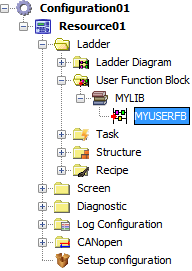
1. In the Projects window, double click the USERFB file in order to open its Ladder editor.
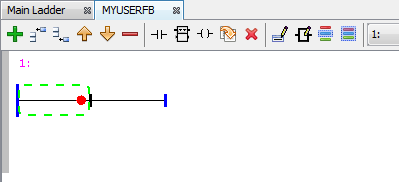
The Ladder Editor will open, like any other Ladder diagram. Any block may be inserted in it, including other USERFBs. Remember that only local variables may be used in it.