|
Monitoring Variable |
  
|
|
Monitoring Variable |
|
Monitoring Variable allows creating sets of variables for monitoring in a Resource.
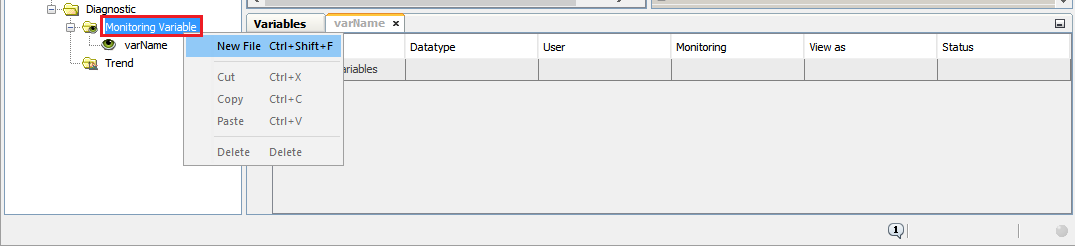
To do this, right-click on Variable Monitoring and select New File, following the on-screen instructions for creating a new file.
After creating the file, use the  button to add a variable.
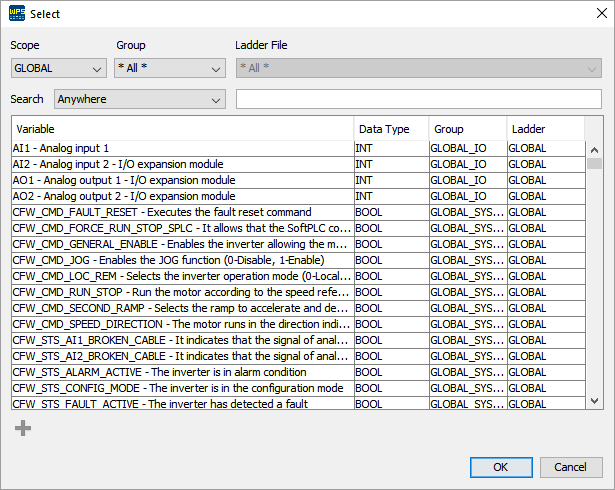
Select the desired variable and click OK to confirm adding: