|
Configuration |
  
|
|
Configuration |
|
Below is the list of the required steps to create a parameter file.
1. Create a new parameter file.
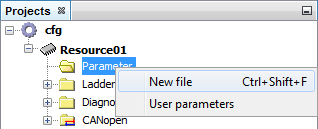
2. Define a name for the parameter file

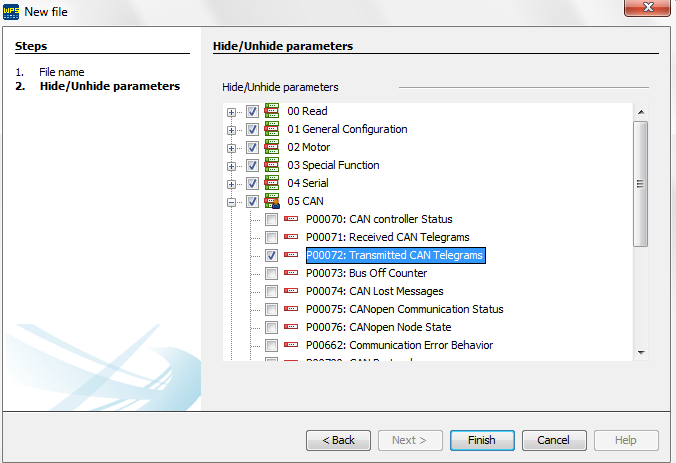
3. Configure which parameters you wish to view in your parameter table
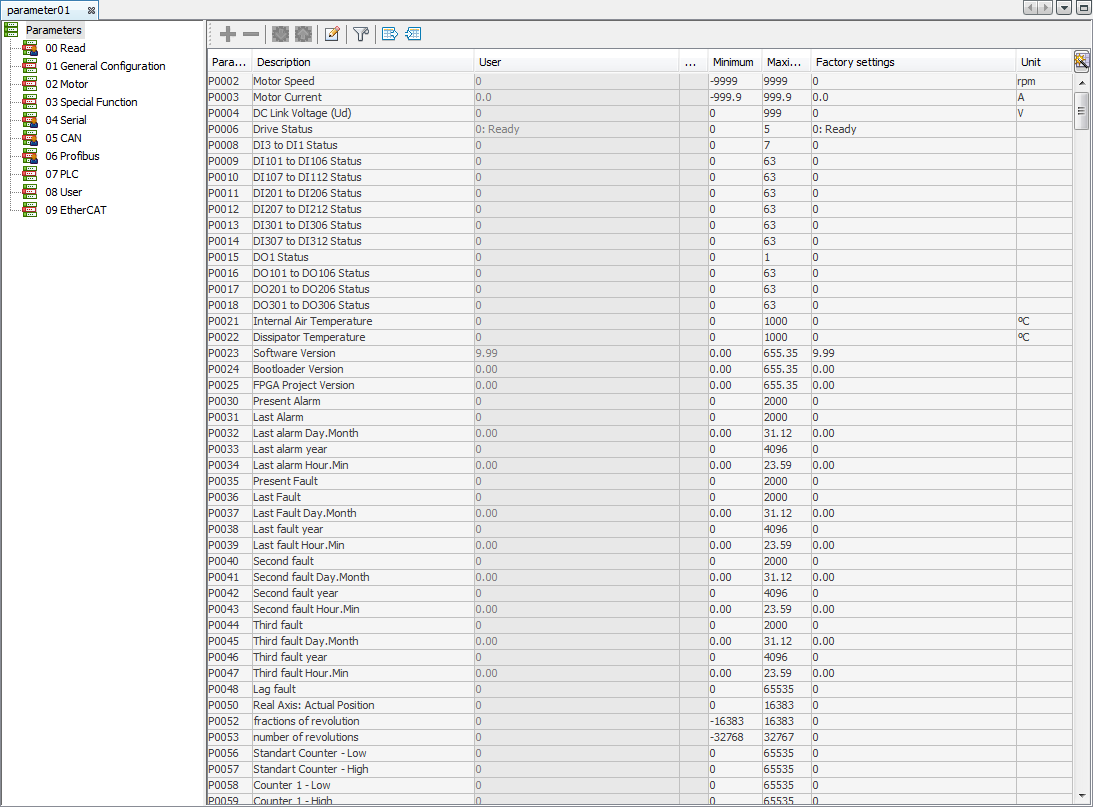
4. After performing the steps above, the parameter file will be created and the equipment can be parameterized.