|
Configuration Wizard |
  
|
|
Configuration Wizard |
|
A Configuration Wizard basically allows the user to configure the equipment's writing variables with WPS v3.1X connected (online) or not connected (offline) to the device.
The Wizards folder in the Configurations Window contains the list of wizards implemented for the equipment being a Configuration Wizard identified by the icon  .
.
You can save the programmed values in a Configuration Wizard thus generating a new wizard file identified by the icon  .
.
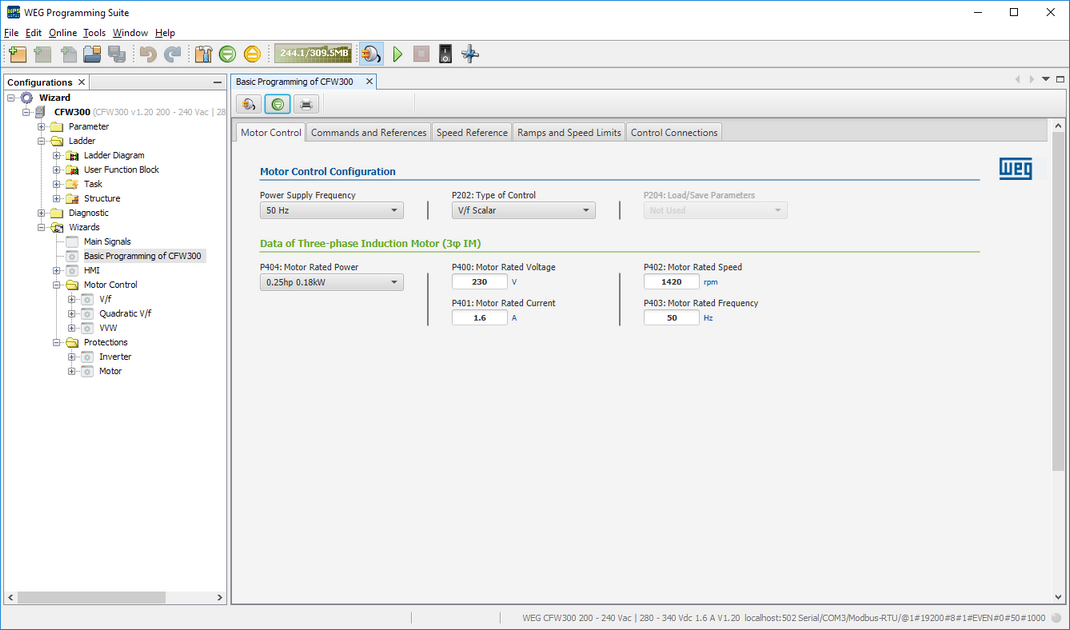
When opening a Configuration Wizard with communication with the equipment not established, a window will be presented to the user as below.
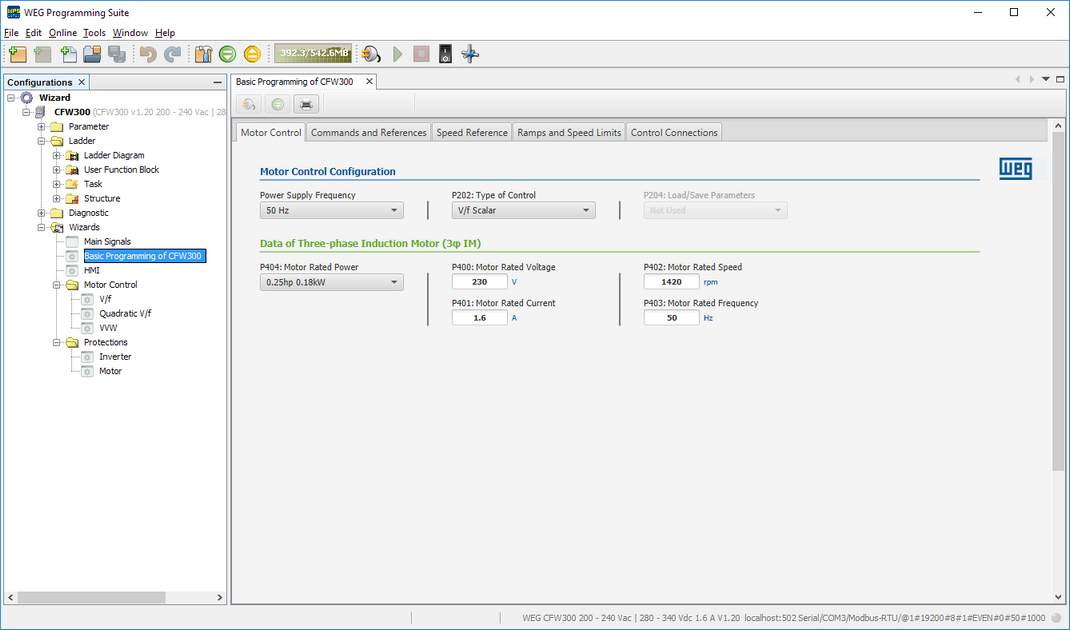
The configuration with the equipment not connected (offline) is done with the Upload and Monitor Values button  not active.
When the configuration is finished, the user can save the values of the wizard by closing the wizard and confirming the saving of the values.
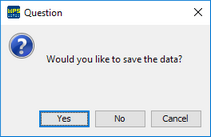
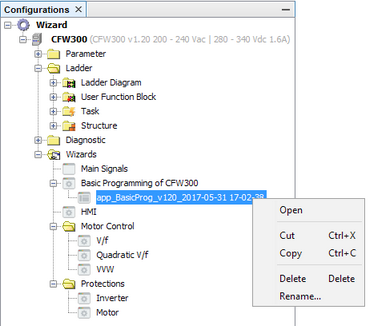
A new wizard file with a generic name will then be saved, where the user can then manipulate this new file according to the options shown by right-clicking the file as shown below.
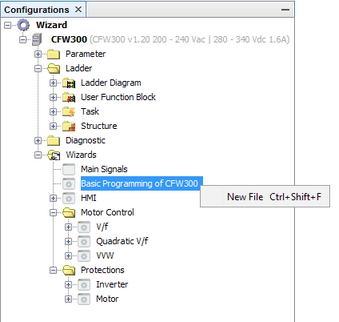
You can also create a new file based on the equipment wizard by right-clicking the wizard as shown below.
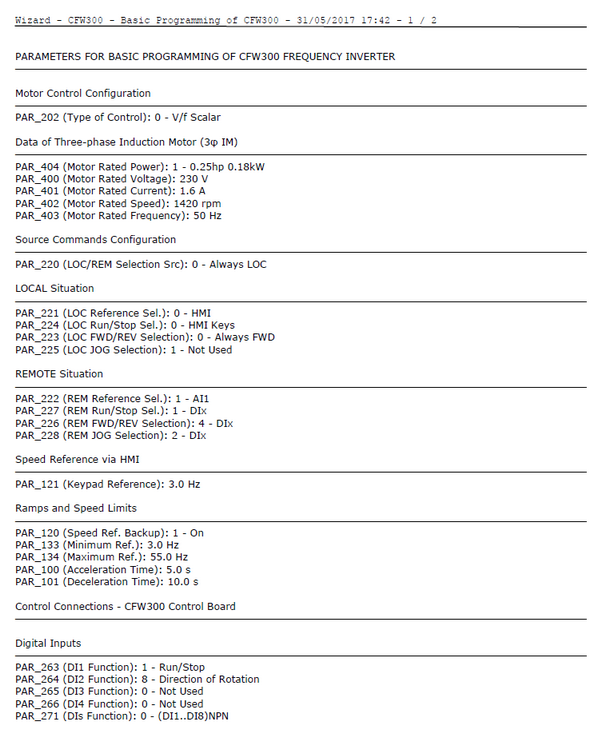
To print all the values of the Configuration Wizard you need to press the Print Values button  in the Wizard Toolbar. A print file will be generated in the format shown below.
To send all the values of the Configuration Wizard to the equipment it is necessary to press the Connect Device button  so that the communication with the equipment is established and then press the Write Values button
  in the Wizard Toolbar.
To start a Configuration Wizard with the connected equipment (online) it is necessary to press the Monitor Values button so that the monitoring of the equipment variables is activated in the wizard. At this point the wizard variables are updated with the values that are on the connected equipment.
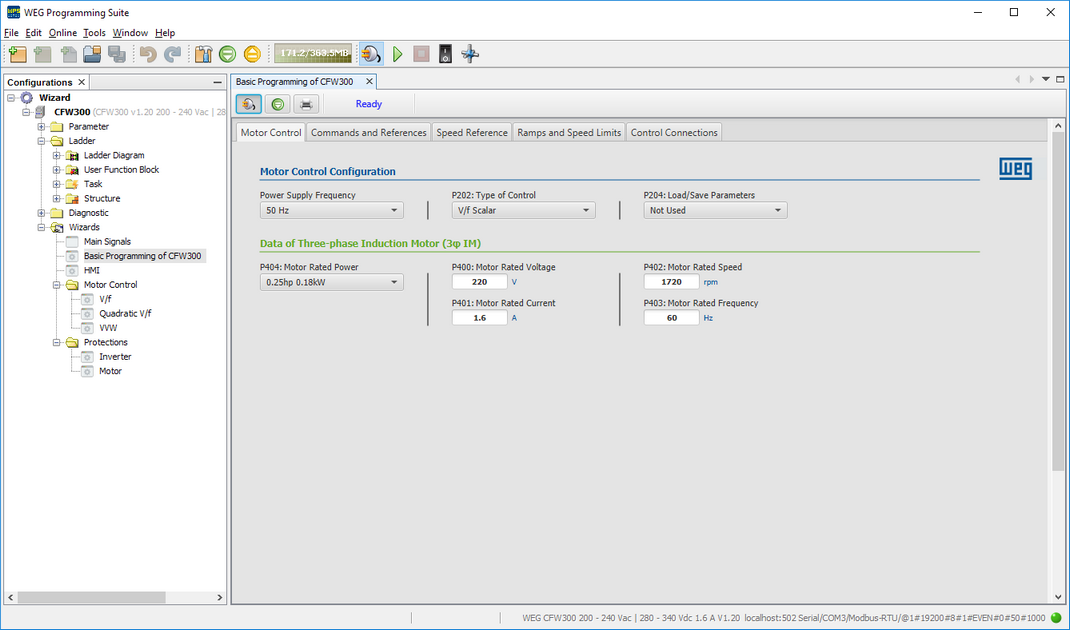
If the communication with the equipment is established the window background will change from light gray to dark gray. When closing the window will ask a question related to saving the values of the wizard.