|
Source Code Upload |
  
|
|
Source Code Upload |
|
Overview
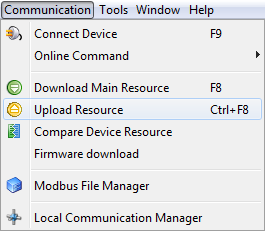
Uploads the resource source code. For this, it is necessary that the source code be previously recorded (during the download) in device memory. In order to initialize the upload, it is necessary to access the menu Communication > Upload resource.
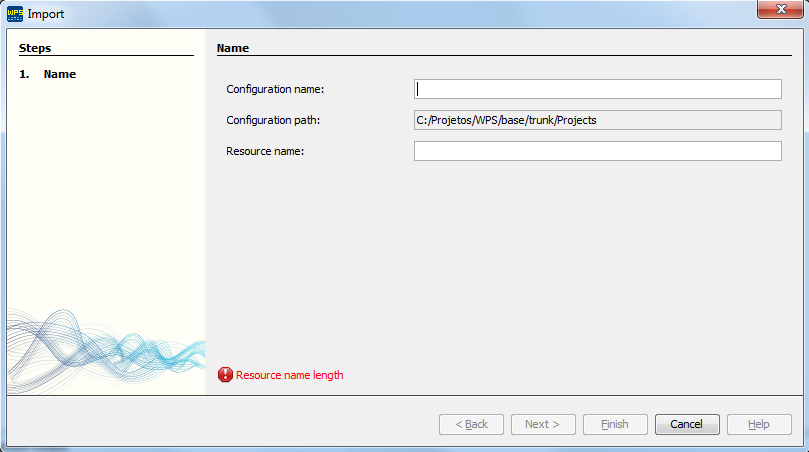
If the upload was performed successfully, the window to select the configuration name will open.
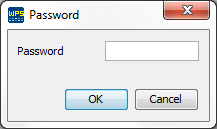
If a password to protect the source code was configured, it will be requested: