|
Comparison of resource and device |
  
|
|
Comparison of resource and device |
|
Overview
|
NOTE! The comparison of resource and device works only as from firmware version 1.50. |
The comparison of resource and device (binary files) allows the user compare the main resource of the application with the resource that is running on the device. To begin the comparison, it is necessary to access the menu Communication > Compare resource device.
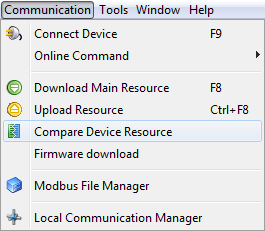
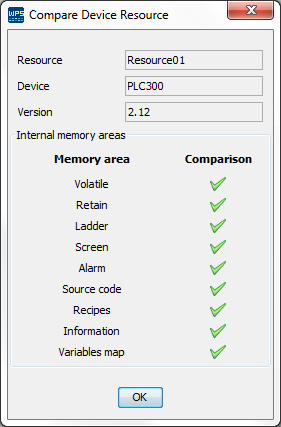
After selected the comparison option, it is checked whether the resource is compiled to read the information of size and CRC of the binary files. Then, the comparison of all memory areas is performed.
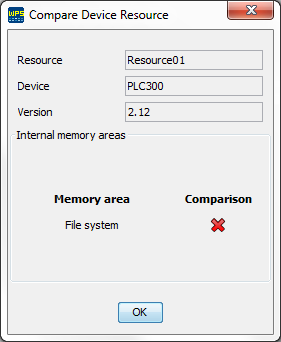
If the memory areas have changed, cannot be possible to perform the comparison and a file system comparison error is shown:
Observations:
- The information and source code files are updated every build.
- The volatile, retain, source code and recipe are download options. If the download of these files were not done, the comparison will be flagged as false.
